A way to save a day’s, week’s or event’s shift plan, including roles, timings and headcount, as a reusable template, so you don't have to rebuild the same schedule from scratch.
Set it up once. Coople remembers the rest.
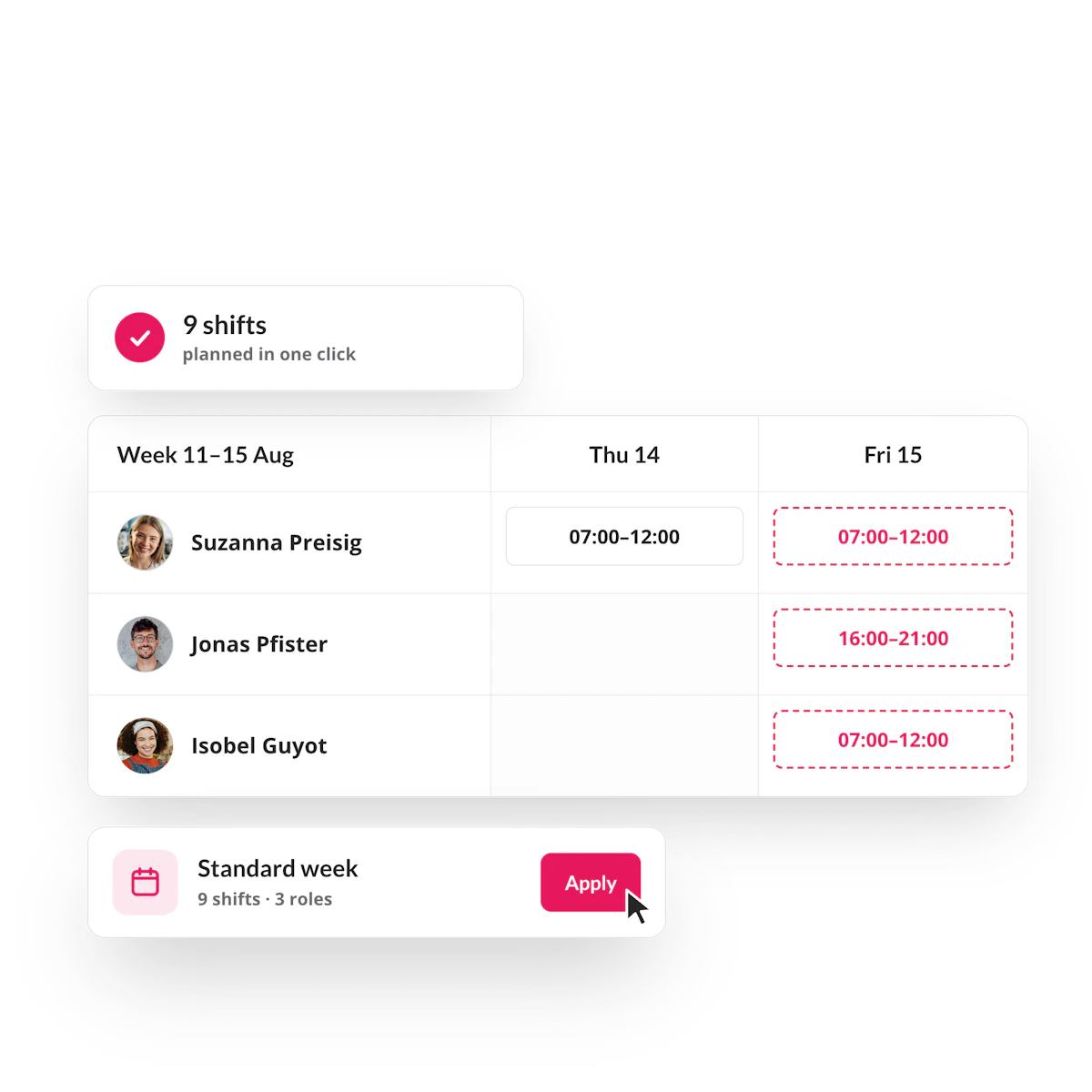
Save a week's schedule as a template, reuse it in one click and let the platform pre-fill new shifts based on how you've planned before.
Copy shifts in seconds, not hours
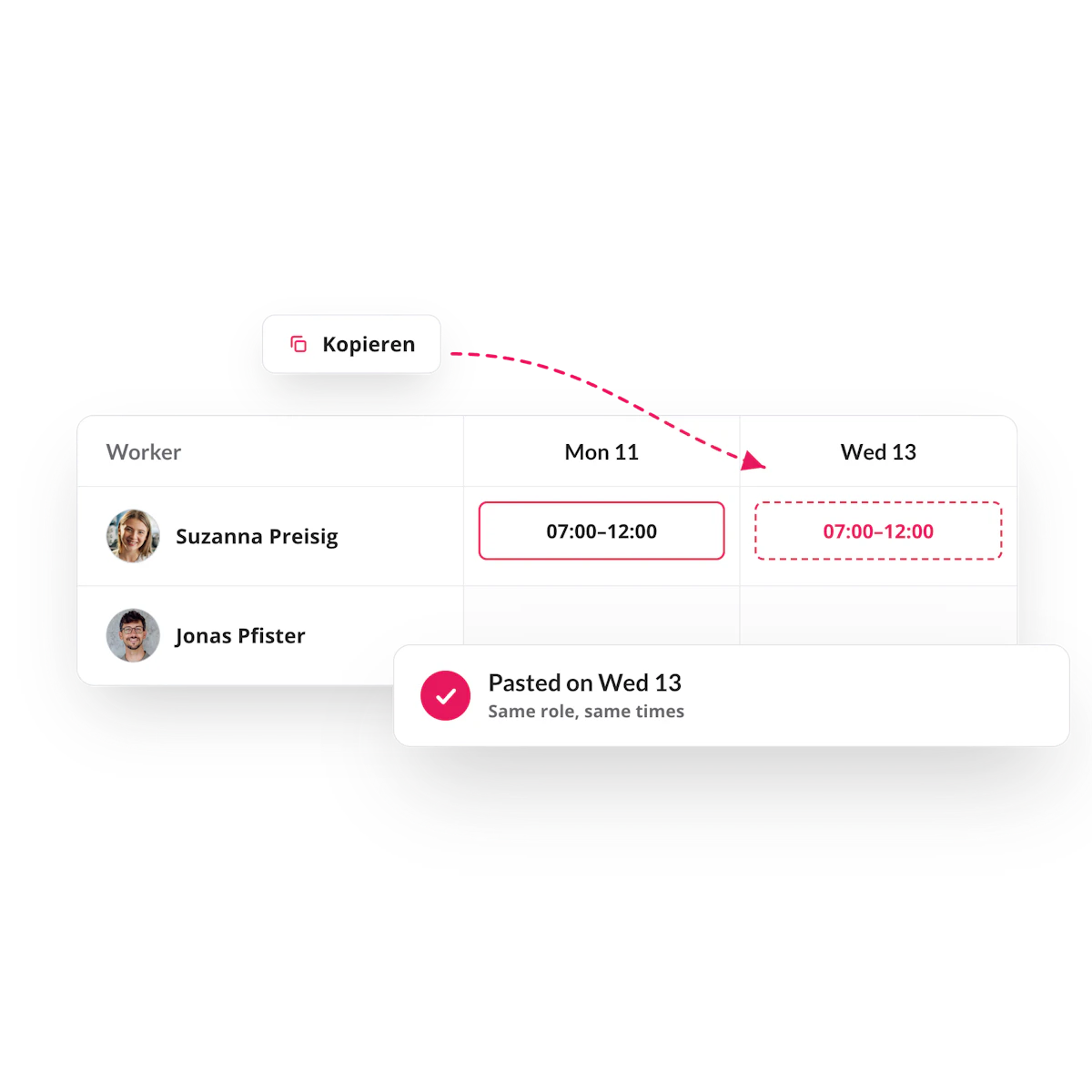
For anyone running a recurring schedule — the same shifts, week after week — copying is built in. Select a shift, copy it, and paste it onto any other day or across a whole job role. What used to mean rebuilding an identical pattern one shift at a time now takes one keystroke.
Coople remembers how you plan
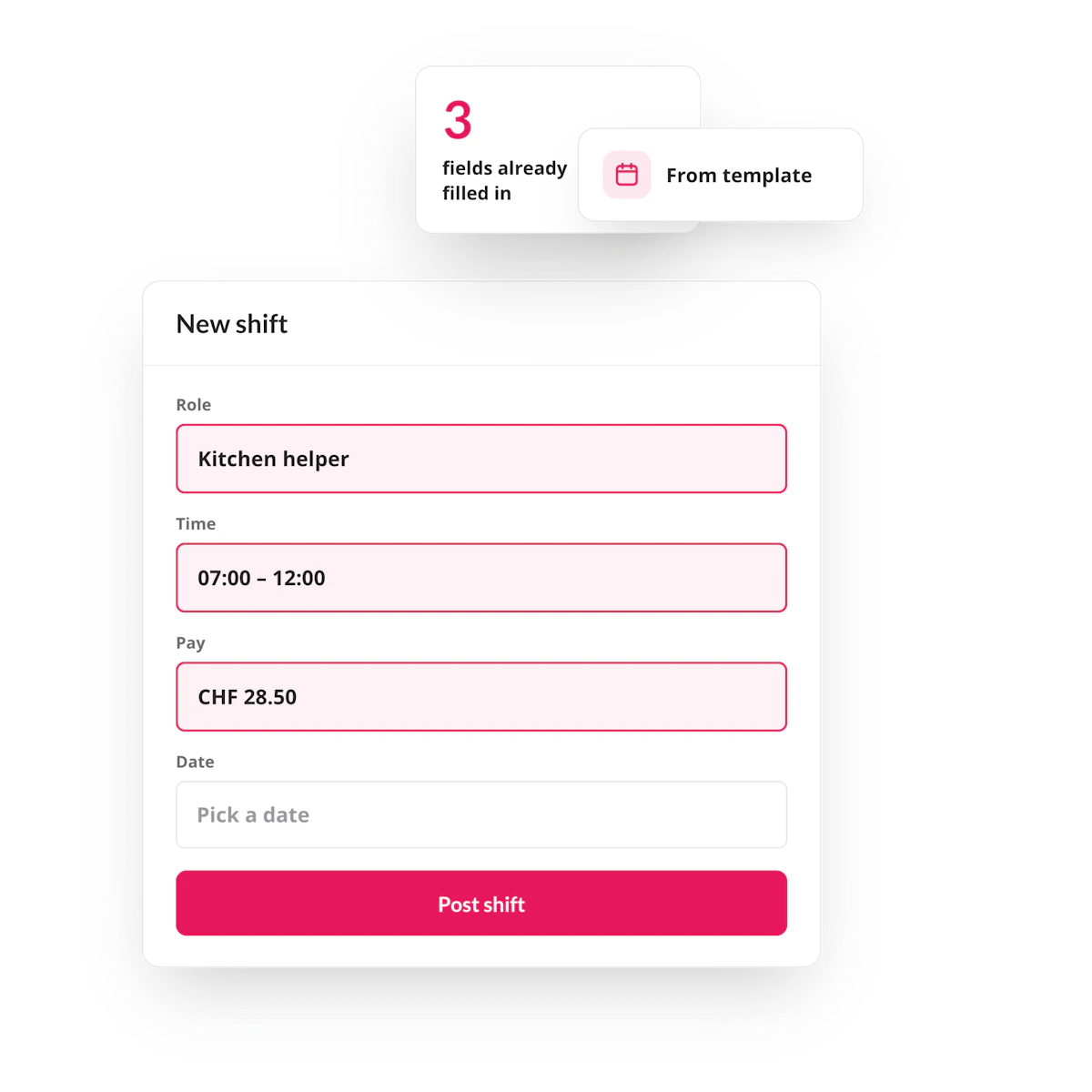
Every time a new shift is created, the platform looks at how similar shifts have been planned before — same job role, same worker, same pattern — and pre-fills the details for you: start and end time, breaks, venue, headcount. Everything is pre-filled and everything stays editable.
Save a week as a rota, reuse it anytime
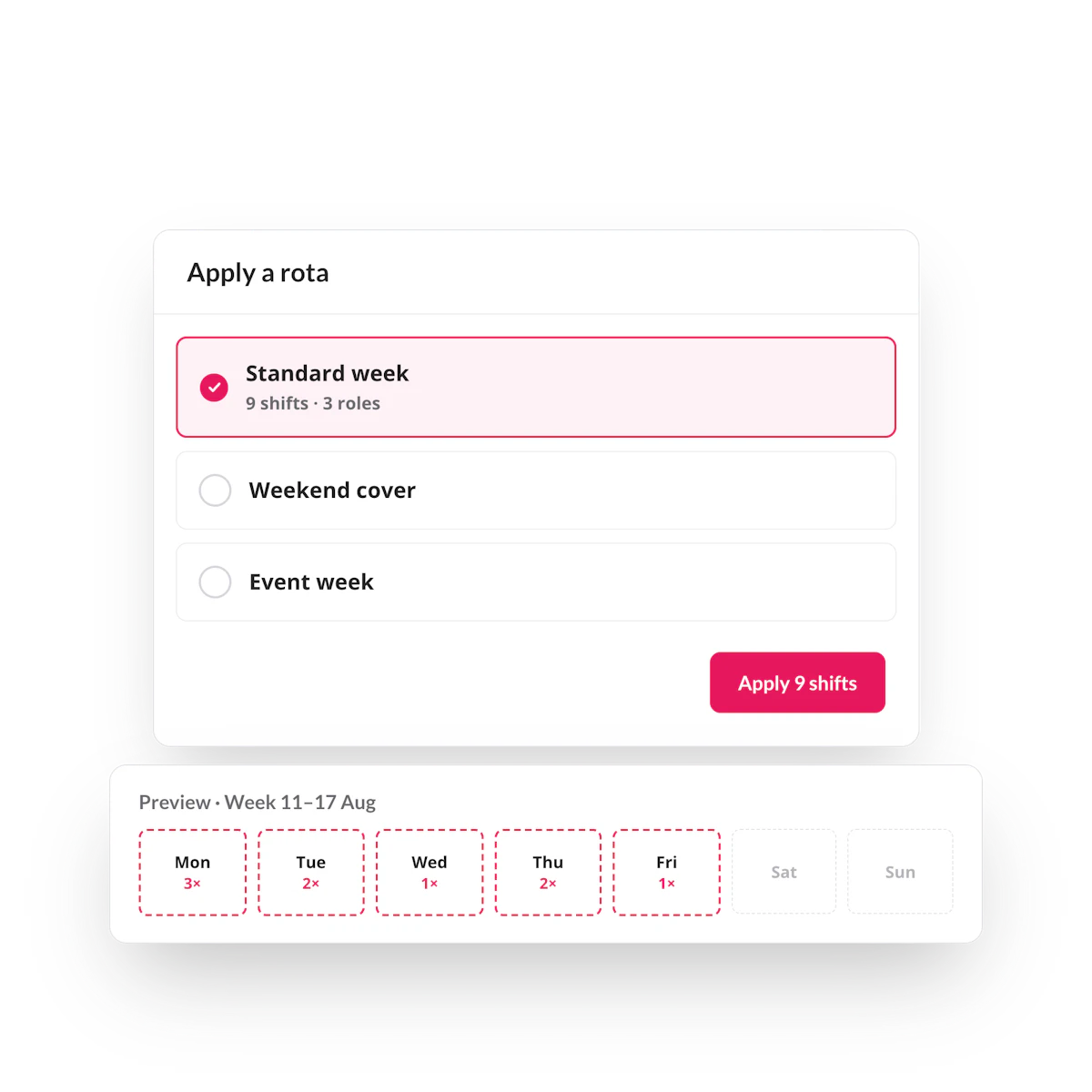
Build a full day’s or week's plan once — shifts, roles, timing across the whole team — and save it as a template. Next time that pattern comes around, import it straight into the planner instead of rebuilding it from scratch.
“I can plan an entire month in advance while still publishing shifts week by week. That gives me the flexibility I need.
Jane Fine Food
FAQ
Yes. Save any week as a rota template and import it into the planner whenever that pattern repeats.
Yes, templates can be opened and updated at any time from Settings.
Rotas are built around open shifts, planning by role and pool rather than by named individual, which keeps scheduling flexible and reduces compliance risk for recurring, high-volume shift patterns.