Automatic Scheduling lets you fill open shifts automatically. Once activated, suitable workers from your selected pools can be assigned directly to the shift, without an application or manual review.
Fill open shifts automatically
Turn on Automatic Scheduling and let suitable workers you’ve selected be assigned directly to open shifts – without manual review.


Turn it on when it makes sense
Turn on Auto-Schedule when creating an open shift and choose which pools suitable workers can be assigned from. The feature is off by default and can be switched off at any time.
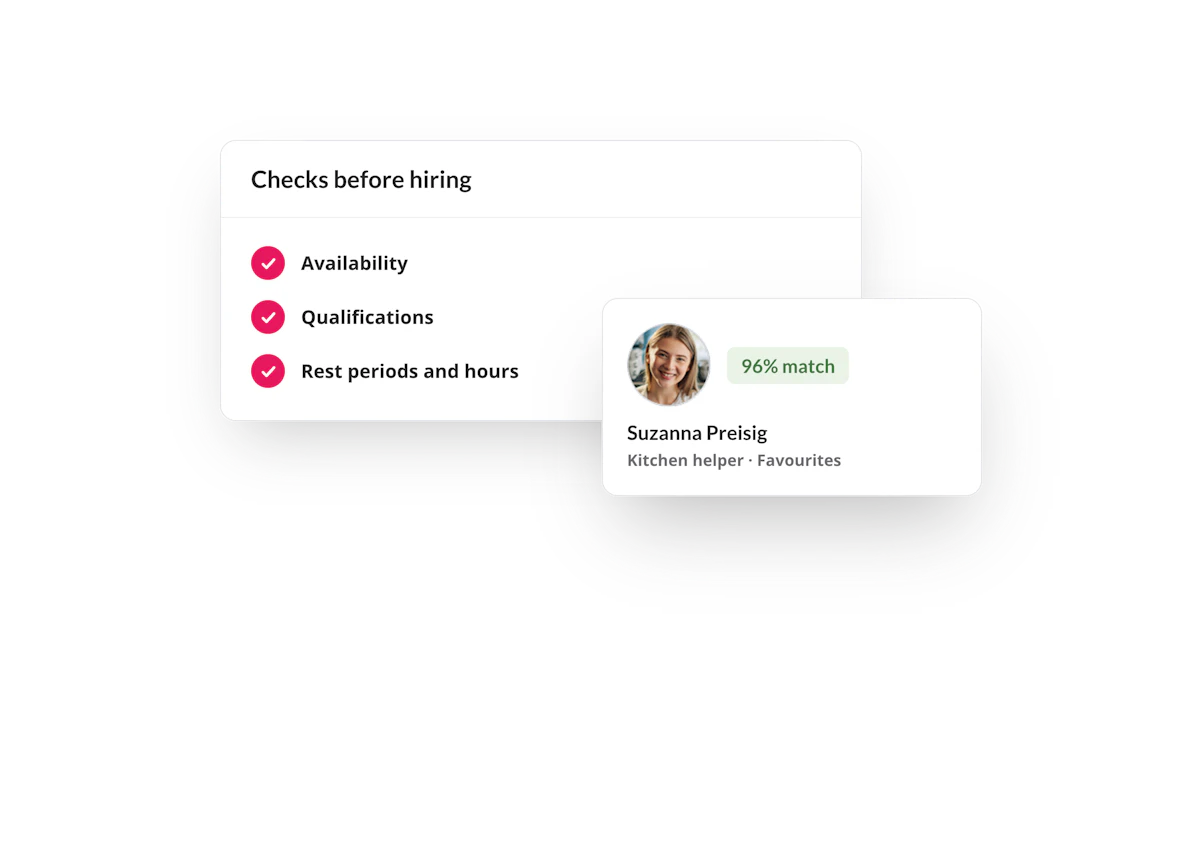
Nobody gets hired until the checks pass
Coople checks availability, qualifications, pool membership and working-time requirements, including rest periods and maximum working hours. Blocked or suspended workers are not considered.

Follow it live in your Planner
Automatically scheduled shifts are marked with a lightning-bolt icon in the Planner. Once a shift is filled, you'll receive a notification and see the assignment in your activity feed.
“I’ve found some really great people through Auto-Scheduling. Someone we had last week was a perfect fit.
Jane Fine Food
FAQ
You decide which workers you already know are eligible for Automatic Scheduling. The feature only considers this selected group, rather than the entire Coople worker pool.
Coople checks availability, qualifications, pool membership and working-time requirements, including rest periods and maximum working hours. Only workers who meet all requirements can be automatically scheduled. If multiple workers are eligible, assignments are made on a first-come, first-served basis.
Yes. Automatically scheduled shifts are marked with a lightning-bolt icon in the Planner. You’ll also see the assignment in your notification centre and activity feed.
Yes, at any time. Automatic Scheduling can be turned on or off for each individual shift. You also decide which pools workers can be assigned from.